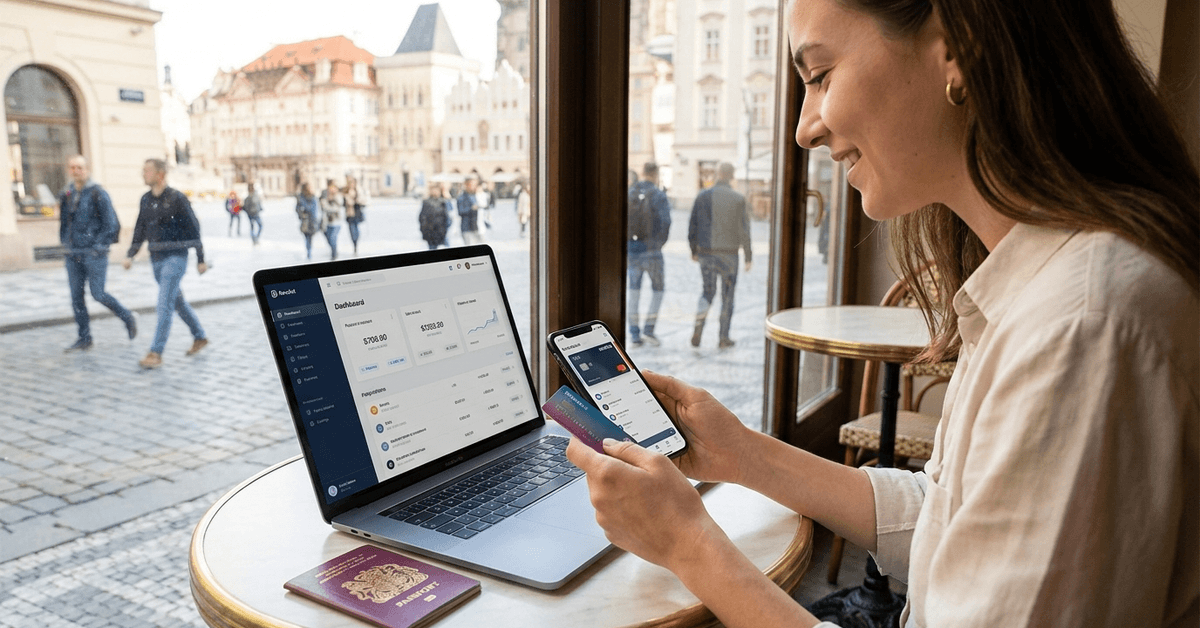
A sole trader juggling invoices, expenses, and tax deadlines does not need a bank that looks good on paper. They need one that removes admin without creating new problems.
Starling has quietly built a reputation as the UK’s friendliest challenger bank for self-employed workers. But “friendly” and “right” are two different things.
The free business account gets all the attention. The gaps in Starling’s setup get almost none. So let me walk through both.
Does Starling Still Deserve Its Challenger Bank Reputation in 2026?
Starling rebranded to just “Starling” in September 2025, dropping the “Bank” from its name with a new logo and card design.
The product underneath stayed the same. And by mid-2026, Starling had roughly 3.5 million personal and business customers across the UK.
The numbers tell a specific story. Starling posted a pre-tax profit of £217.1 million on revenues of £887.4 million for the financial year ending March 2026. That’s a fifth consecutive profitable year, a milestone no other UK challenger bank has reached.
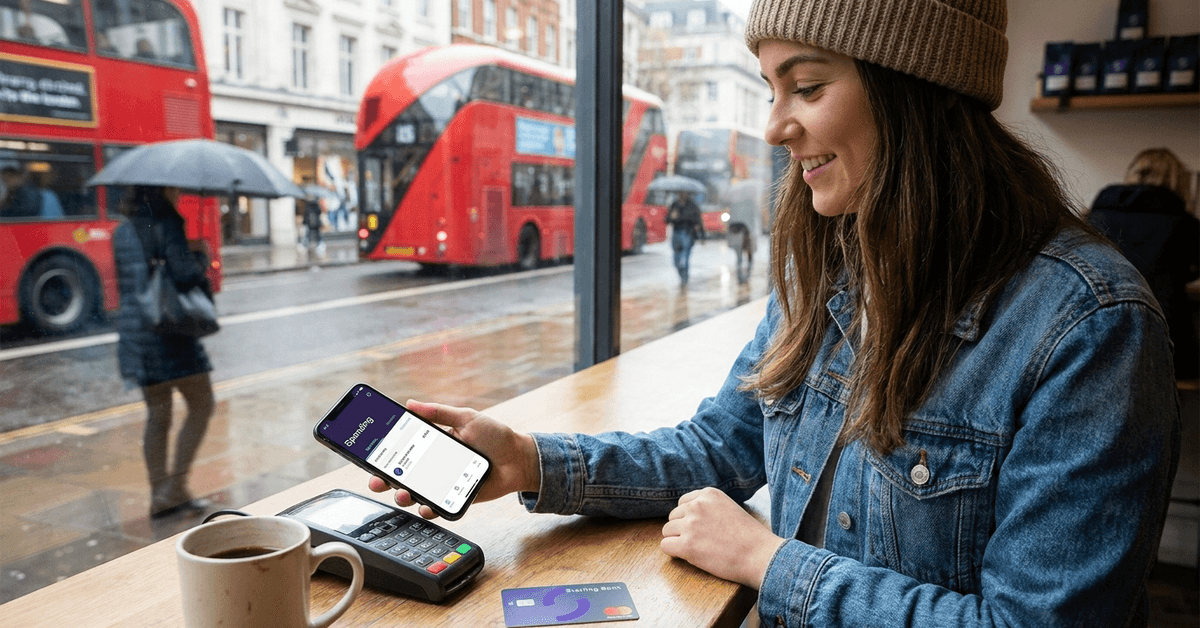
I think the profitability streak matters more than app design when evaluating Starling for business use, because a bank that keeps losing money eventually starts charging for things it once gave away free. Monzo, for reference, only recently turned profitable. Starling’s runway looks longer.
But profitability does not erase everything. The FCA fined Starling £28.9 million in October 2024 for financial crime control failings, including weak sanctions screening and onboarding high-risk customers without proper checks.
Starling cooperated and put remediation in place. Still, if you’re evaluating a bank to hold your business funds, that fine should be part of your calculation, not something glossed over in a features list.
Free Business Banking for Sole Traders: What “Free” Covers and What It Doesn’t
The single strongest pull for freelancers is pricing. Starling charges £0 per month for both sole trader and limited company accounts, with no introductory period that quietly flips into paid tiers. Compare that to Monzo Business, where accounting integrations sit behind Monzo Pro at £5 per month.
Starling includes Xero, QuickBooks, and FreeAgent integrations for free via live bank feeds with real-time transaction sync. Sage is not supported. The built-in bookkeeping tools cover automatic transaction categorization, tax estimation, a tax timeline, and receipt matching.
A Making Tax Digital tool for sole traders launched in March 2026. This lets you submit quarterly income and expense reports to HMRC directly from the app. That alone may save a sole trader hours each quarter.
Where the “Free” Runs Into Walls
Sole traders are not eligible for Starling business overdrafts or loans. If cash flow gets tight, there’s no credit lifeline inside the app. Limited companies can apply for arranged overdrafts between £1,000 and £50,000, and business loans between £5,000 and £250,000. But sole traders? Nothing. Each additional account costs £2 per month. So if you open a second business account, or add a child’s card, that flat fee applies.
And there’s a less-discussed trade-off: Starling pays virtually no interest on current account balances. Chase UK, by comparison, offers a significantly higher rate on everyday balances. For a sole trader leaving £5,000 or more sitting in their account between invoices, that difference compounds.
I would not recommend Starling as your only financial home if you hold any meaningful balance between invoices. Pair it with a higher-interest account like Chase UK for parking funds, and use Starling as your transaction and admin engine. The free tools are too good to ignore, but so is the opportunity cost of 0% interest on idle cash.
Starling App Features That Matter for Day-to-Day Banking
The app has a 4.9 out of 5 rating on iOS across 430,000+ reviews and 4.5 on Google Play with 104,000+ ratings. Those numbers are hard to fake at that scale.
Every transaction triggers an instant push notification. Spending gets automatically sorted across 53 merchant categories, and you can customise categorisation at the merchant level for all past or future transactions.
For anyone tracking business versus personal spending, that level of control saves real time at tax season.
Spaces, Round-Ups, and Saving Without Thinking
Spaces are Starling’s digital envelopes. Set up a Space for tax savings, a Space for an equipment fund, a Space for emergency cash. Schedule recurring transfers or set round-ups to funnel spare change into a Space automatically.
The round-ups feature rounds each purchase to the nearest pound and moves the difference. The amounts feel tiny. Over six months, they add up to a noticeable buffer.
A few features that directly affect how usable the app is day-to-day:
- Card freeze and unfreeze takes seconds inside the app, no phone call needed
- Biometric login through Face ID or Touch ID is standard on supported devices
- Bill Manager lets joint account holders set up direct debits from a shared Space, keeping committed funds separate from spending money
- In-app cheque deposit handles cheques under £1,000 without a branch visit
The New AI Assistant
Starling launched an agentic AI financial assistant on 20 March 2026 for personal account holders.
The tool handles natural-language requests inside the app. Ask it to create a savings plan or set up a transfer, and it acts on the instruction rather than redirecting you to a menu.
It’s early days for this feature. I’d keep expectations measured until it’s been tested across more complex scenarios. But the direction is interesting: a bank that executes tasks through conversation instead of navigation.
Fee-Free Spending Abroad: The Travel Side of Starling
Starling charges no fees on card payments abroad and no fees for ATM withdrawals overseas.
This applies to personal and business accounts. For freelancers who travel for work or digital nomads billing UK clients, that’s a direct cost saving over traditional banks.
Currency conversion carries a 0.4% fee on top of the market exchange rate. That’s competitive. Revolut and Wise may beat it on specific corridors, but Starling’s simplicity means fewer surprises.
| Feature | Starling | Monzo (Free Tier) | Chase UK |
|---|---|---|---|
| Monthly fee | £0 | £0 | £0 |
| Fee-free spending abroad | Yes | Limited (fair use) | Yes (1% cashback) |
| Business account (sole trader) | Free | Free (limited tools) | Not available |
| Accounting integrations | Xero, QuickBooks, FreeAgent (free) | Paid tier only (£5/mo) | None |
| Current account interest | ~0% | 0% | Higher rate |
| FSCS protection | Up to £120,000 | Up to £120,000 | Up to £120,000 |
Starling wins on business banking and travel spending. Chase wins on interest. Monzo wins if you want Flex credit and social features.
Euro and USD Accounts
Starling offers a EUR account within the same app for holding, sending, and receiving euros. A USD account is available on request. International transfers are powered by Wise, giving competitive rates and fast execution.
Multi-currency business accounts were temporarily paused for new applications as of early 2026, so check the Starling website for current availability.
Opening a Starling Account: Speed and Requirements
The process is app-based. Download, register, record a short video selfie for ID verification, upload documents, and submit. Approval typically takes minutes, though some applications require additional review.
Eligibility requirements are straightforward:
- Age: 16+ for personal and teen accounts
- Residency: must live in the UK
- ID: passport, driving licence, or equivalent
- Business accounts: require company verification and additional documentation for limited companies
Cash deposits go through Post Office branches for free, and 99.7% of UK residents have one within a three-mile radius. The catch: Post Offices close on Sunday afternoons. If you need to deposit cash on a weekend evening, you’re out of luck.
Questions People Ask About Starling Bank
These are the questions that come up repeatedly when freelancers and sole traders research Starling.
- Q: Does Starling affect my credit score?
Everyday banking with Starling does not touch your credit score. Only credit-based products like overdraft applications trigger a credit check. Holding an account and using it normally has no effect. - Q: Can I use Starling as my only bank account?
Technically, yes. Practically, the near-zero interest on current account balances means parking your full income there costs you money compared to splitting funds with a higher-interest account. It works best as a spending and admin tool paired with a savings vehicle. - Q: Is Starling safe after the FCA fine?
Starling is fully regulated by the FCA and PRA, with FSCS protection up to £120,000 per depositor. The 2024 fine related to screening controls, not to loss of customer funds. Remediation programmes are in place. - Q: Does Starling support Making Tax Digital?
Yes. A free MTD tool for sole traders launched in March 2026. Quarterly income and expense submissions to HMRC happen directly inside the app, with no third-party software needed. - Q: How does Starling compare to Monzo for freelancers?
Starling gives free accounting integrations and a stronger business toolkit at no cost. Monzo locks those behind a £5/month Pro plan. Monzo’s spending analysis is more detailed, though, and its Flex product offers integrated credit that Starling lacks for sole traders.
Conclusion
Starling earns its place in the UK freelancer toolkit through zero-fee business banking and genuinely useful admin tools. The weak spot is interest on idle balances, so treat it as a transaction hub rather than a savings account.
Pairing Starling with a higher-yield account gives you the best of both worlds without paying for either. For sole traders filing taxes, the 2026 Making Tax Digital integration alone may justify the switch.