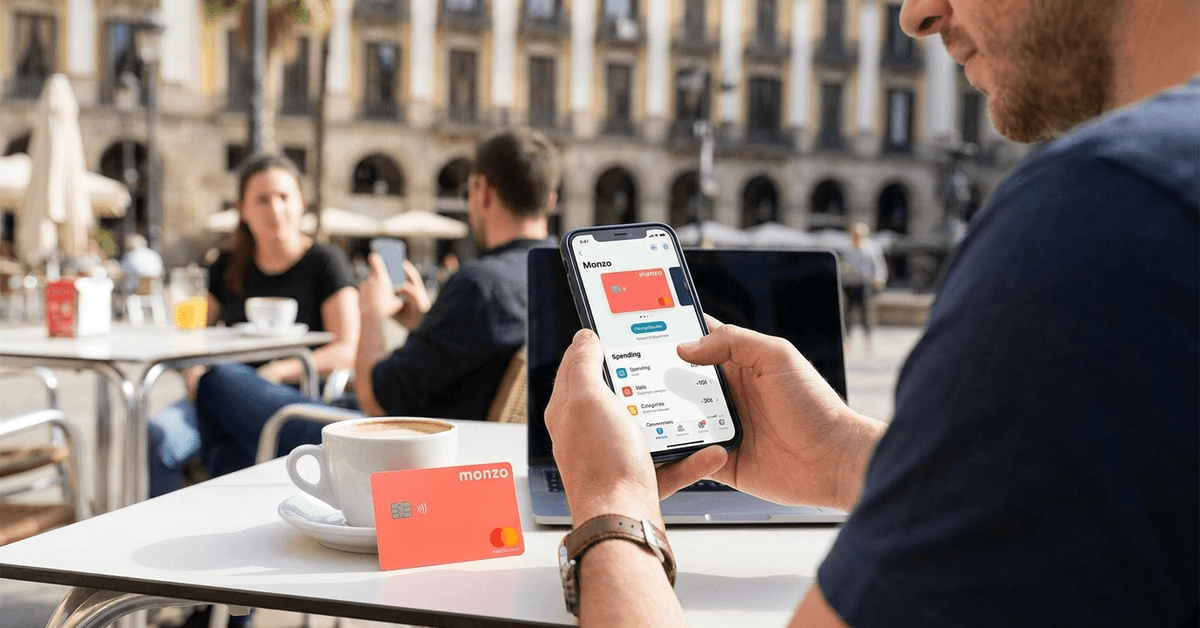
Subscription creep hits harder than any single data breach. That one forgotten $14.99/month charge buried in your statement? It probably costs more per year than the average fraudulent transaction.
A virtual credit card sounds like the obvious fix. Generate a number, use it once, forget it. Clean and contained.
But the way people talk about virtual cards online misses the part that matters. The fraud protection angle is a red herring. The subscription control angle is where the money sits.
Why Fraud Protection Isn’t the Killer Feature of Virtual Credit Cards
Every review of virtual credit cards leads with security. Encrypted numbers, single-use tokens, limited exposure. And sure, all of that is real. A compromised merchant database can’t drain your checking account if the card number stored there is already dead.
But here’s what bothers me about that framing. Major credit card issuers like Visa and Mastercard already offer zero-liability fraud protection on unauthorized charges.
The Fair Credit Billing Act in the US caps cardholder liability at $50 for credit cards, and most banks waive even that.
So the scenario where a leaked virtual card number “saves” you from financial ruin? That scenario barely exists for credit card holders in the US or EU.
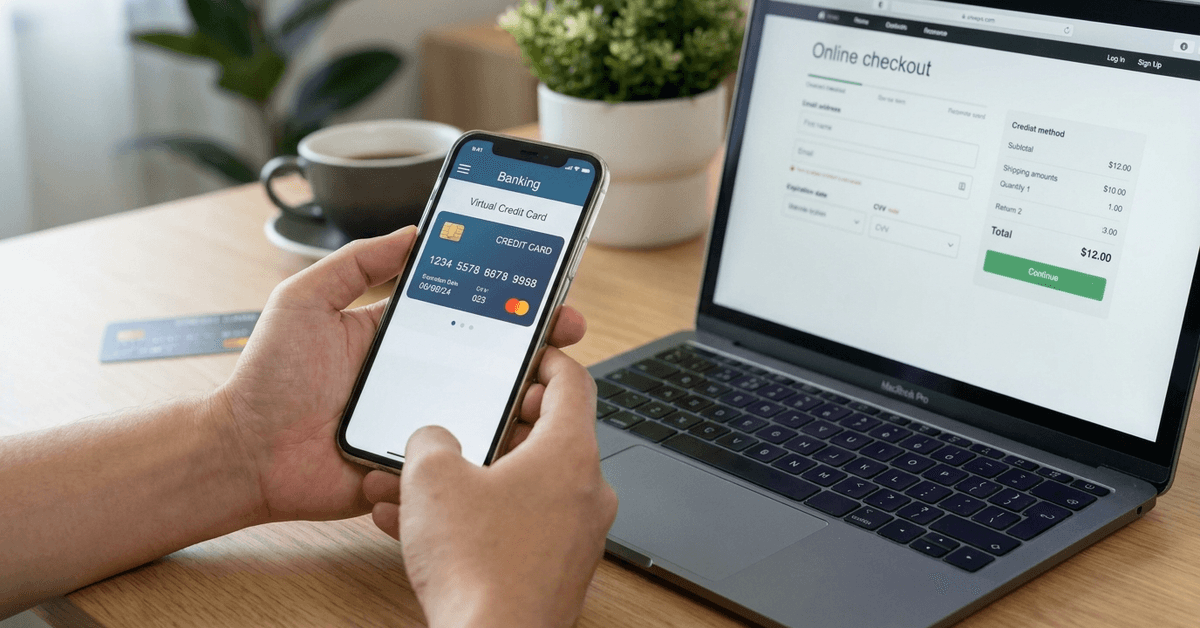
Where Virtual Cards Earn Their Keep
The place virtual cards pull their weight is subscription management. Think about what happens when you cancel a free trial on a streaming service or a SaaS tool. The company still has your card number.
They can (and sometimes do) charge it again, whether through a billing error, a policy change, or a dark pattern designed to make cancellation feel like it worked when it didn’t.
A virtual card assigned to that one merchant solves this permanently. Delete the card, and the billing relationship dies. No calling customer support. No disputing charges after the fact. The payment method simply stops existing.
I think this makes Privacy.com’s merchant-locked card model more useful than Revolut’s disposable single-use cards for anyone running five or more active subscriptions. Single-use cards break recurring payments by design. Merchant-locked cards let you keep paying until you decide to stop.
Virtual Credit Card Providers and How They Differ
Not all virtual cards work the same way, and the differences matter more than the marketing pages suggest. Some are built for travelers.
Some are built for paranoid one-time buyers. And some are built for the person juggling twelve subscriptions across three countries.
Revolut’s Disposable Virtual Cards
Revolut generates a new card number after every transaction. The old number expires immediately. This is ideal for one-off purchases on unfamiliar sites, and it pairs well with Revolut’s multi-currency accounts for international shopping.
The trade-off: disposable cards are terrible for subscriptions. Each payment needs a fresh number, so anything recurring requires a different card type entirely.
Revolut does offer standard virtual cards for that purpose, but the disposable option gets the headline attention while being the wrong tool for half the use cases.
Wise Virtual Cards for Multi-Currency Spending
Wise ties its virtual cards to a multi-currency account holding 40+ currencies. Shoppers who buy from EU, UK, and US stores regularly can avoid conversion fees by paying in the merchant’s local currency.
The card is reusable and works with Apple Pay and Google Pay. The limitation worth noting: Wise cards pull from your Wise balance, not a credit line. There is no credit element at all.
That means no purchase protection, no chargeback leverage, and no rewards. For pure cost control on international purchases, Wise is solid. For buyer protection, it leaves gaps.
Capital One Eno: One Card per Merchant
Capital One’s Eno browser extension auto-generates a unique virtual number for each merchant. Shop at Amazon, get one number. Shop at a small Etsy seller, get a different one.
Each number links back to your Capital One credit card, so you keep your rewards and purchase protections.
I would pick Eno over Privacy.com for anyone already carrying a Capital One card, because Eno preserves your credit card’s built-in protections while still giving you per-merchant isolation. Privacy.com pulls from a bank account, skipping the credit card layer entirely.
Citi Virtual Account Numbers
Citi offers temporary card numbers through its online account portal. These link to an existing Citi credit card and can be set with spending caps and expiration dates. The setup is less polished than Eno’s browser extension, but the functionality is similar.
One thing to watch: Citi’s virtual numbers can take a moment to generate, and the interface feels dated compared to app-first competitors. But if Citi is already your primary issuer, the feature costs nothing extra.
Privacy.com for Full Control
Privacy.com is the standalone option. No bank account required beyond linking one for funding. Cards can be single-use, merchant-locked, or set with per-transaction and monthly spending limits.
The free tier allows up to 12 cards per month. The Pro plan at $10/month bumps that to 36 cards and adds 1% cashback on purchases. For power users managing a high volume of subscriptions and one-off purchases, Privacy.com’s flexibility is hard to match.
| Provider | Card Type | Spending Caps | Payment Integration |
|---|---|---|---|
| Revolut | Disposable | Yes | Mobile wallet, app |
| Wise | Reusable | Yes | Multi-currency balance |
| Capital One Eno | Merchant-locked | No | Browser extension |
| Citi | Temporary number | Yes | Account portal |
| Privacy.com | Single-use or reusable | Yes | Web and mobile app |
The quick takeaway: Eno and Privacy.com give per-merchant control, Revolut gives per-transaction isolation, Wise gives currency flexibility, and Citi gives basic protection for existing cardholders.
Setting Up a Virtual Credit Card (It Takes About Three Minutes)
Getting a virtual card running is faster than ordering coffee. The steps differ slightly by provider, but the general process looks like this:
- Check if your current bank or credit card issuer already offers virtual card numbers (Capital One, Citi, and several others do, often buried in account settings)
- If your bank doesn’t offer them, sign up with a standalone provider like Privacy.com or Revolut, which typically requires an ID and a few minutes
- Generate your first virtual card through the app or browser extension, copy the number, and use it at checkout like any other card
- For subscriptions, assign one card per service so you can kill any billing relationship instantly by deleting that single card
Pairing Virtual Cards with Other Security Habits
A virtual card number alone does not make online shopping bulletproof. The card protects the payment layer, but your account credentials and personal data still sit on the merchant’s servers.
Two-factor authentication on every shopping account matters more than the card number itself. A breached password with SMS-only 2FA can still lead to account takeover, order fraud, and address changes that redirect your packages. App-based 2FA (through Google Authenticator or a similar tool) closes that gap better than SMS codes.
Storing virtual card numbers in your browser’s autofill is tempting but risky. If malware or a malicious browser extension scrapes saved payment data, the virtual card number is exposed the same way a physical card number would be. A password manager with a secure notes feature is a better storage option.
Legal Differences That Affect Which Virtual Cards Work for Your Country
Virtual card availability depends heavily on where you live. EU residents benefit from PSD2 regulations that require strong customer authentication on online payments, and most European neobanks (Revolut, Wise, N26) offer virtual cards as a standard feature.
US residents have broad access through both bank-issued virtual numbers and standalone providers. The FTC’s guidance on online payment safety covers dispute rights and fraud reporting for US consumers.
Residents of countries outside the EU and US may face extra identity verification steps, limited provider options, or restrictions on cross-border card use. Checking the provider’s supported-countries list before signing up avoids wasted time.
Questions People Ask About Virtual Credit Cards
These are the questions that come up repeatedly when people start researching virtual cards for online shopping.
- Q: Can I use a virtual credit card for in-store purchases?
Some virtual cards work with Apple Pay or Google Pay, which means you can tap to pay at physical terminals. Revolut and Wise both support this. Standalone providers like Privacy.com are online-only. - Q: Do virtual credit cards build credit?
Only if the virtual card is linked to a credit card account (like Capital One Eno or Citi). Standalone providers like Privacy.com pull from a bank account, so those transactions do not appear on your credit report. - Q: Are virtual credit cards free?
Most bank-issued virtual cards (Eno, Citi) are free. Privacy.com has a free tier with 12 cards per month and a $10/month Pro plan. Revolut includes disposable cards on its paid plans starting around $8/month. - Q: What happens if I need a refund on a virtual card purchase?
Refunds process back to the original funding source, even if the virtual card number has been deleted. The provider routes the refund through their system, so a dead card number does not mean a lost refund. - Q: Can merchants detect that I am using a virtual card?
Technically, the BIN (Bank Identification Number) on a virtual card can sometimes identify it as prepaid or virtual. A small number of merchants reject prepaid BINs, though this is becoming less common as virtual card adoption grows.
Conclusion
The virtual credit card market keeps expanding as banks and fintechs add these features to standard accounts. Picking the right provider depends on how you shop, where you shop, and how many subscriptions you want to control.
A single virtual card sitting unused in your app does nothing. The value shows up when every merchant gets its own isolated payment method, and you hold the kill switch on each one.