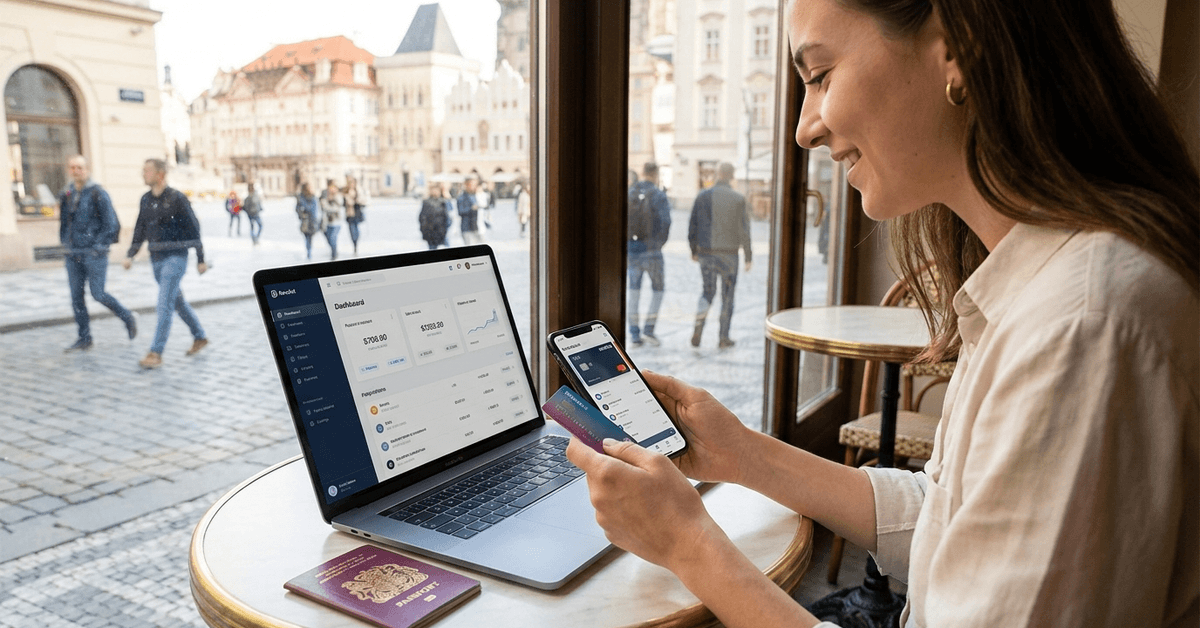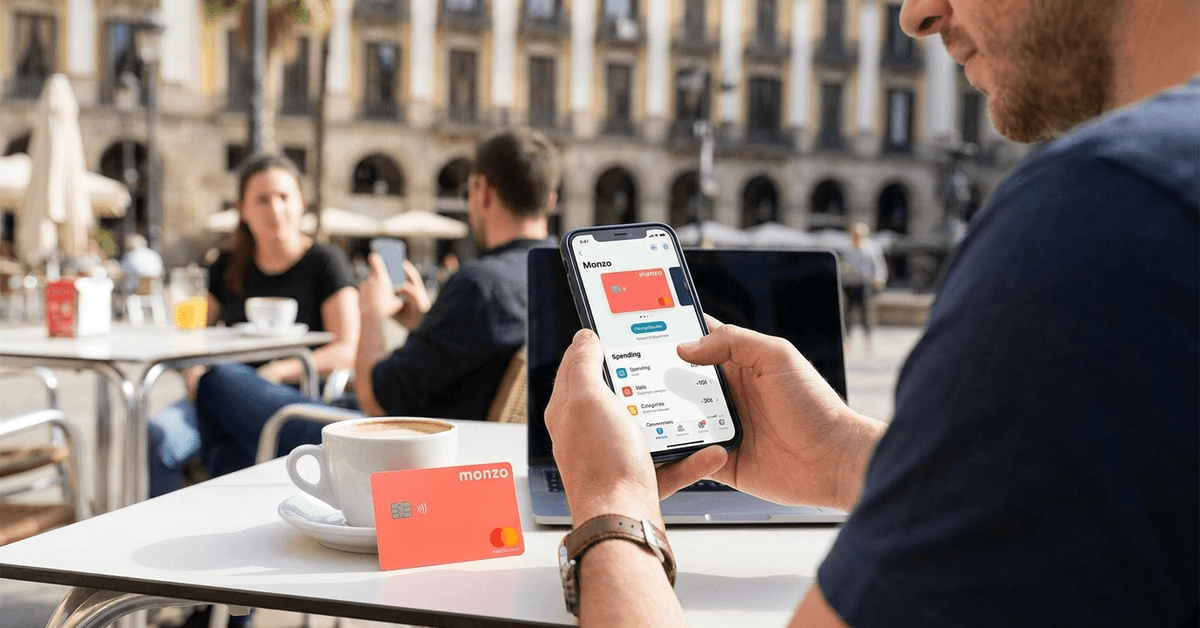
Downloading a banking app feels different when nobody in your family has ever banked without walking into a branch first.
A current account is the tool doing all that heavy lifting, and mobile banking has quietly rewritten how people use it, alert by alert, tap by tap.
This guide walks through what changes once your current account lives mostly on a screen, plus one piece of common advice I would skip entirely.
A Current Account Does More Than Hold Your Paycheck
A current account is built for constant use. It handles wage deposits, bill payments, and everyday card swipes, unlike a savings account sitting quietly in the background.
Your salary lands here first. Direct debits pull from here, and your debit card draws from here every time you tap to pay for coffee or groceries.
How a Current Account Differs From a Savings Account
A savings account is designed to hold money you are not touching often, sometimes paying a small return for patience. A current account trades that return for constant access, letting you move money in and out without restriction.
Some people treat their current account like a wallet that never runs out of pockets. That comparison holds up until you try to earn interest on it, since most current accounts are not built to do that.
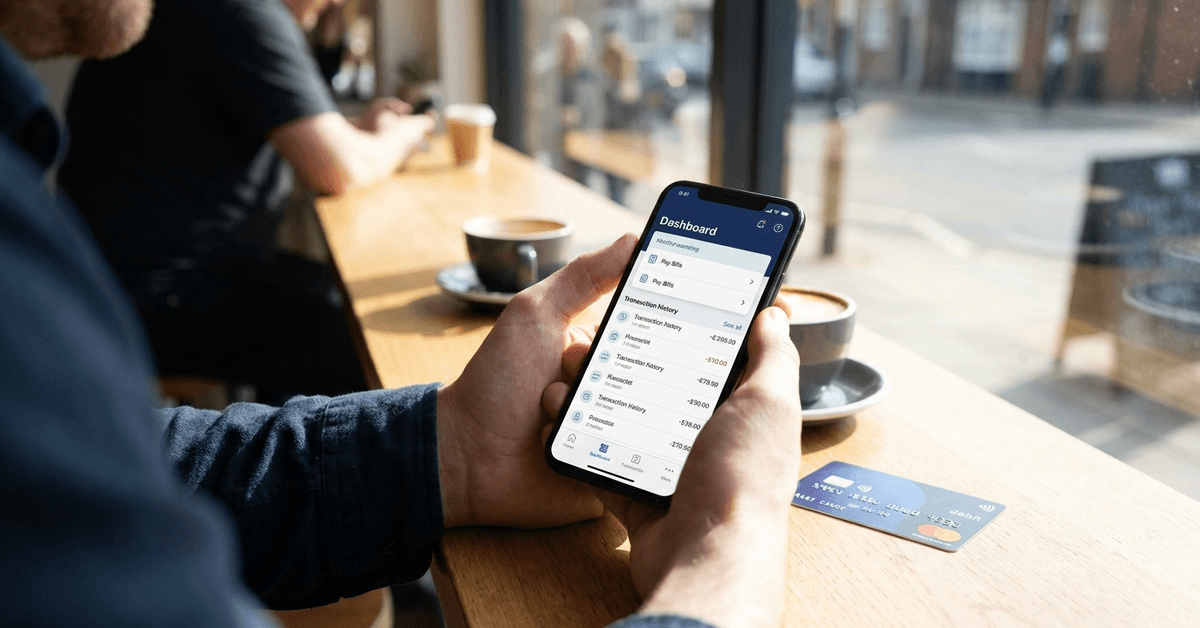
The Everyday Features Every Current Account Should Have
Every current account should hand you a debit card for in-store and online spending, support direct deposit for wages or government payments, and let you set up both automatic and manual bill payments.
Transfers between your own accounts should take seconds, and monthly statements should arrive without you asking twice.
Notifications about deposits, withdrawals, and unusual activity round out the basics. The next section gets into why those notifications deserve more thought than most articles give them.
Why Your Banking Habits Changed the Moment You Got a Smartphone
Mobile banking turned a set of monthly branch visits into a habit repeated several times a day without anyone noticing.
Checking a balance during a lunch break, or moving rent money before a landlord asks twice, now takes seconds instead of a trip across town.
What Changes When You Pay and Split Bills From Your Phone
Splitting a dinner bill or sending rent no longer means a trip to a cash machine. In-app payment tools and QR code scanning handle most of it, though verification steps can still trip people up the first few times.
A payment that used to take a signed check now clears while you are still at the table. That speed cuts both ways, since mistakes move just as fast as intended payments.
Why Every Alert Isn’t Automatically a Good Thing
Instant alerts cover deposits, withdrawals, low balances, and suspicious activity, and banks pitch every one of them as protection. Turn on all four and your phone buzzes constantly within the first week of using a new account.
Ten notifications in, most people stop reading them closely. That is the exact moment the one alert warning about actual fraud gets swiped away with the rest.
I would not enable every single alert type by default, since deposit and withdrawal pings for every Apple Pay or Google Pay purchase add up to dozens of buzzes a week and train people to stop reading the alerts that matter most. Keep the alerts that flag suspicious activity and low balances. Turn off the ones confirming a small routine purchase, since your bank statement already tracks that automatically.
Picking a Current Account for Mobile Banking Comes Down to Two Things Most Lists Skip
Not every current account behaves the same way once you start using it entirely through an app. Fees and small print differ enough between banks that picking the first account you see rarely works out well.
Run through the factors that shape day-to-day mobile banking before opening anything:
- Monthly fees and account charges, which vary even among accounts that look identical on the surface
- App reliability and design, since a laggy app turns simple transfers into a frustration
- Integration with Apple Pay or Google Pay, which decides whether your phone replaces your wallet day to day
- Overdraft terms and any interest on balances, details that matter more once money gets tight
- Customer support options, especially when a branch visit is not on the table
Why I’d Check Wallet Integration Before Star Ratings
My take: I would rank Apple Pay or Google Pay integration above app store star ratings when choosing where to bank. A four star rating usually reflects annoyance with a redesigned menu, not whether the bank encrypts your data or handles overdraft terms fairly.
Overdraft terms and interest on balances rarely make it into marketing screenshots, but they decide what happens the one month your paycheck lands two days late.
If comparing accounts feels overwhelming, the Current Account Switch Service walks through moving your current account and balance without you managing every direct debit by hand.
The Security Habits Worth Building Before You Trust an App With Everything
Banks invest heavily in digital security, but the habits on your side of the screen decide whether that investment protects you in practice.
Why Two-Factor Authentication Is Worth the Extra Tap
A short list of habits closes most of the easy gaps:
- Install banking apps only from official app stores, never from a link in a text message or email
- Set a strong, unique password instead of reusing one from another account
- Turn on two-factor authentication wherever the app offers it
- Keep your phone’s software updated, since security patches close holes quietly in the background
- Never share login details by email or SMS, since phishing attempts still target current account holders directly
For a broader rundown, MoneyHelper’s digital banking guide covers phishing recognition and what to do if a suspicious message shows up.
Mobile Banking Features Most People Never Turn On
Beyond the basics, a handful of settings buried inside most banking apps can change how you manage money day to day.
Which of These Features Are Worth Turning On First
Worth checking, even if your bank never mentions them in an email:
- Spending analytics that sort purchases into categories automatically
- Round-up savings features that route spare change into a separate pot
- Budget planners built directly into the app’s dashboard
- Temporary card freezing for a misplaced card before you report it lost
- Travel notifications and currency calculators for spending abroad without a card block
None of these features fix a bank that ignores you when something goes wrong, which is where the next set of trade-offs comes in.
The Trade-Offs That Come With Going App-Only
Mobile banking works well for most day-to-day tasks, but it is not free of friction. Some users miss speaking to a person, and that preference is practical rather than old-fashioned when a problem needs a real explanation.
Who App-Only Banking Suits and Who It Doesn’t
The trade-off looks different depending on which type of bank holds your account:
| Factor | App-only bank | Bank with branches |
|---|---|---|
| Customer support | Phone or chat, often chatbot-first | Phone, chat, and in-person options |
| Typical fees | Often lower or no monthly fee | Varies, sometimes tied to minimum balance |
| Face-to-face help | Not available | Available during branch hours |
Neither option is wrong, but the choice should match how comfortable you are solving problems without walking into a building.
Older account holders or anyone without a reliable smartphone can end up sidelined by app-only banking.
Chatbot support can also be hit-or-miss, and getting through to a real person sometimes takes patience that a first-time account holder does not expect to need.
Your First Week With a New Mobile Banking Account
Opening the account is the easy part. The next few days of setup decide whether mobile banking feels natural or like one more login to dread.
The Order That Keeps You From Missing a Setting
A simple order gets you there without missing a setting that matters later:
- Download the official app your bank recommends, directly from the App Store or Google Play
- Register or activate using your account number and the credentials your bank provides
- Set a strong password and turn on biometric login if your phone supports it
- Explore the dashboard first, locating transfers, payments, and card management before touching anything else
- Add newer features gradually, like spending analytics or round-up savings, once the basics feel familiar
None of this needs to happen in one sitting. Spreading setup across a few days, and checking your bank’s official website for anything unfamiliar, beats rushing through screens you don’t fully understand.
Questions People Ask About Mobile Banking and Current Accounts
A few questions come up more than the rest once someone actually starts comparing accounts.
- Q: Is mobile banking safe for a first current account?
It can be, once you pair a strong password with two-factor authentication and stick to official app stores. Biometric login adds another layer most first-time users skip simply because they never scroll far enough into settings to find it. - Q: Do all current accounts work with mobile banking apps?
Most modern current accounts do, but older or niche accounts sometimes lag behind on features like round-up savings or spending analytics. Checking your bank’s official website before assuming a feature exists saves a frustrating discovery later. - Q: Can I open a current account entirely from my phone?
Many banks now support this through digital identity checks and document uploads. The exact steps, and how long verification takes, depend on the bank and where you live. - Q: What happens if my phone is lost or stolen while I’m using mobile banking?
Most apps can be deactivated remotely, and your bank can freeze the account on request. Turning on device tracking or a remote wipe option ahead of time is a reasonable precaution rather than an overreaction. - Q: Should I close my old branch account right after switching to a mobile-first bank?
Not immediately. Keep the old account open until salary payments and direct debits have fully moved across, which a switch service can usually confirm for you.
Conclusion
Mobile banking turns a current account into a tool you check daily instead of once a month. Skip the app store rating and check whether your bank connects to Apple Pay or Google Pay first.
Turn off alerts you barely read and keep the ones warning about fraud or a low balance. Check the official website before signing up, then give the new setup a full week to settle.