A credit card sits in your back pocket and works whether your phone has battery or not. That single fact gets buried under every digital wallet article on the internet.
Digital wallet cards sound perfect until your phone dies at a gas station at 11 PM. Then the convenience argument falls apart pretty fast.
So let’s talk about when digital wallets work, when they fail, and what the switch looks like for someone who still carries cash and plastic in 2026.
Are Digital Wallet Cards Worth the Hype in 2026?
The pitch is simple. A digital wallet card is a virtual copy of your credit, debit, or loyalty card stored inside an app on your phone or smartwatch.
Apple Pay, Google Wallet, and Samsung Wallet are the big three platforms, and each works a little differently depending on your device.
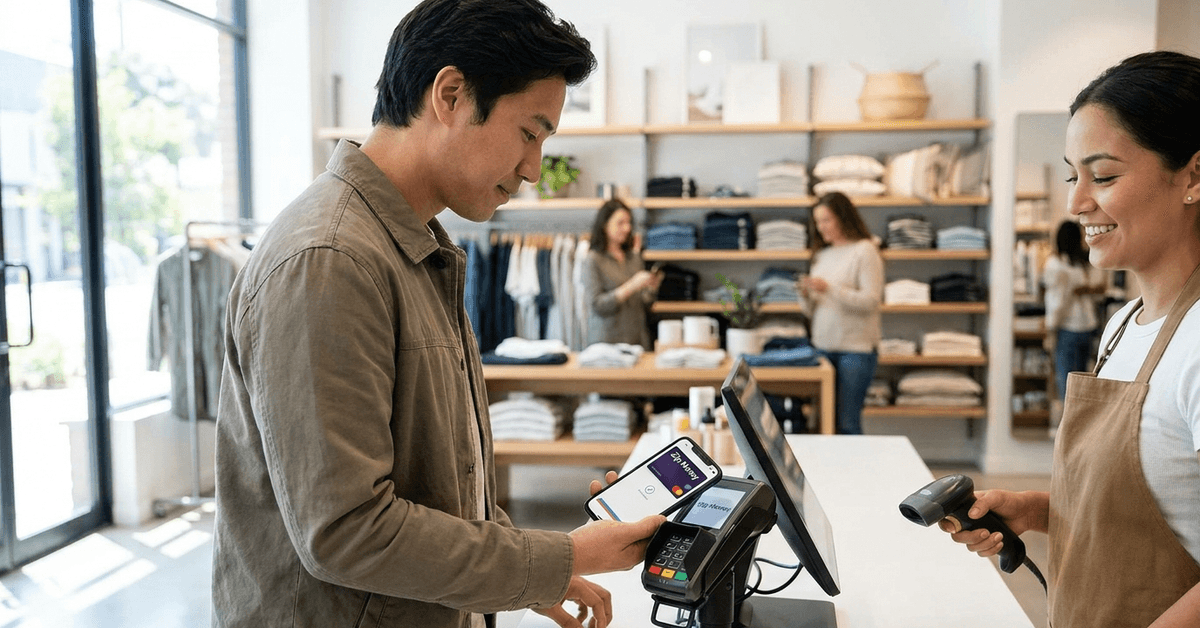
Tap your phone at checkout. Done. No signature, no PIN pad, no receipt to shove in your pocket. The appeal is obvious, and adoption numbers have climbed steadily since 2020. But adoption and reliability are two different conversations.
I would pick Google Wallet over Samsung Wallet for one specific reason: Google Wallet runs on any Android device, while Samsung Wallet locks features behind Samsung-only hardware and restricts certain services to specific countries.
If your next phone might not be a Samsung, your stored passes and loyalty cards could become inaccessible overnight.
How Contactless Payments Through Digital Wallets Work
The transaction itself takes about two seconds. Unlock your phone, hold it near a contactless terminal, and the payment clears.
Online purchases work the same way: select your wallet as the payment method and authenticate with your fingerprint or face. Behind that tap, the wallet app generates a tokenized transaction code instead of transmitting your real card number.
The merchant never sees your card details. That token expires after one use, so even if someone intercepts the data, the number is worthless.
NFC Terminals and the Retry Problem
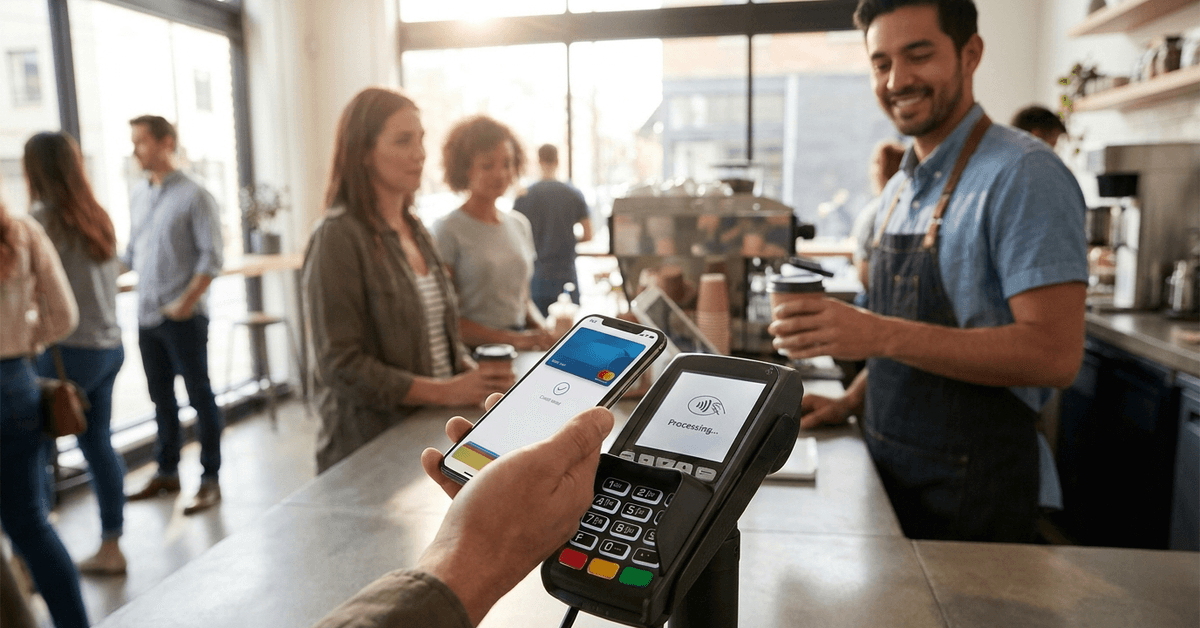
Near-field communication (NFC) powers the tap-to-pay exchange. The technology is solid, but terminals vary wildly in quality.
Older machines at small retailers sometimes need two or three attempts to register a tap. That awkward 15-second delay while the cashier watches you re-tap your phone is a minor thing, but it chips away at the “seamless” promise.
Online Checkout Differences Across Platforms
Apple Pay works only on Apple devices and Safari. Google Wallet plays nicer across browsers. Samsung Wallet sits somewhere in between, functional but inconsistent outside Samsung’s own ecosystem.
If you shop across multiple devices, platform lock-in matters more than any comparison table will tell you.
Security of Digital Wallet Cards vs Physical Cards
Security is the most overstated selling point in digital wallet marketing. Every article says digital wallets are safer than physical cards.
I think that claim needs a giant asterisk, because a lost physical Visa card gets frozen with one phone call, while a stolen unlocked phone could expose multiple cards, bank apps, email, and two-factor authentication codes all at once. That said, the underlying tech has real protections.
Biometric authentication (fingerprint or face scan) locks the wallet behind something only the owner has. Tokenization keeps your card number hidden from merchants. And encryption protects data in transit.
Two-Factor Authentication and Biometric Locks
A strong digital wallet setup requires both a device passcode and biometric verification. If someone grabs your phone while it’s unlocked, biometrics alone won’t stop them from tapping to pay at a store. The window is small, but it exists.
Locking your phone automatically after 30 seconds of inactivity and disabling lock-screen payment shortcuts closes that gap. Neither Apple Pay nor Google Wallet enables these settings by default.
What Happens If Your Phone Gets Stolen
Report the theft immediately to your wallet provider and your bank. Apple lets you remotely wipe a device through iCloud. Google offers a similar feature through Find My Device.
Samsung uses SmartThings Find. All three platforms let you suspend wallet access without canceling the underlying cards.
The response time matters. A thief with a stolen, unlocked phone could complete several contactless transactions under the tap-to-pay limit (typically $100 to $250 depending on the country) before you get a chance to lock the device.
Budgeting and Spending Notifications Inside Wallet Apps
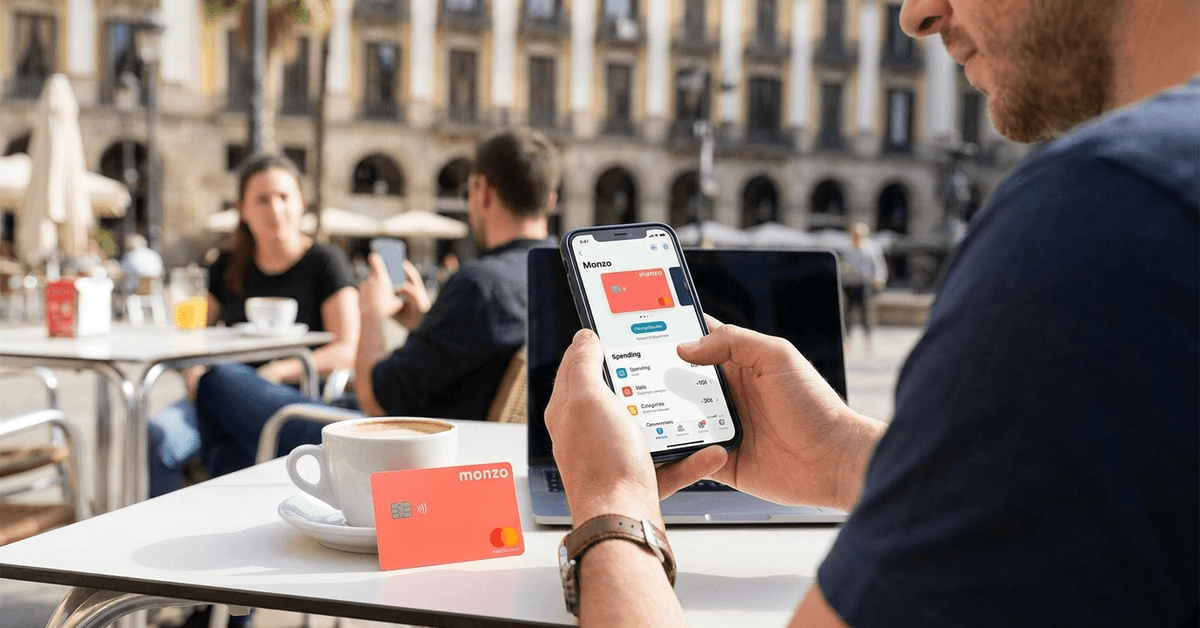
Digital wallets send real-time transaction alerts the instant a charge goes through. That immediate feedback loop can catch unauthorized charges within minutes instead of days. It also creates a running log of spending that physical receipts never provided.
Some wallet apps go further and categorize purchases automatically. Coffee shops, groceries, subscriptions: each tagged and totaled.
The data stays on your phone, which avoids the privacy concerns of uploading transaction history to a third-party budgeting app.
Splitting Bills and Peer-to-Peer Transfers
Sending money to a friend after dinner takes about ten seconds through most wallet platforms.
The transfer is usually instant, though some apps charge a small fee for immediate transfers while offering free standard transfers that take one to three business days.
The catch: both people need the same platform, or at least a compatible one. Splitting a bill between an Apple Pay user and a Google Wallet user still requires a workaround through a third app like Venmo or Zelle.
Digital Wallet Cards for International Travel
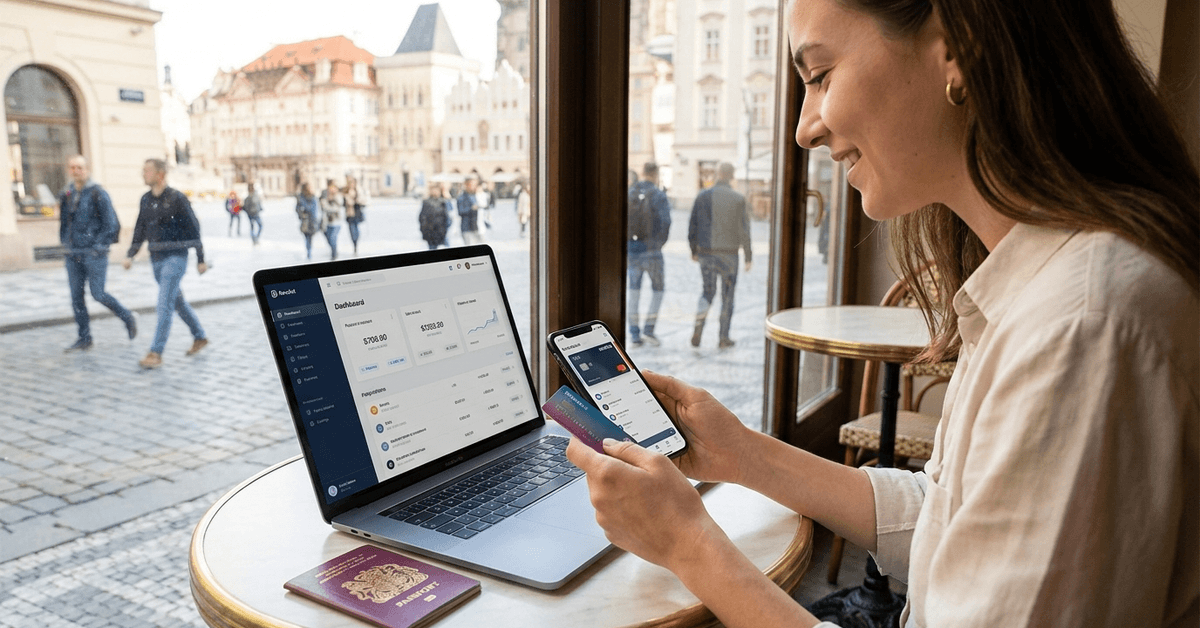
Carrying fewer physical cards while traveling is a real advantage. A digital wallet holds every card in one place, protected by biometrics, and doesn’t fall out of a jacket pocket at airport security.
Currency conversion, though, is not as clean as travel blogs suggest. The exchange rate applied to a digital wallet transaction depends on your card issuer, not the wallet itself. Apple Pay and Google Wallet pass the charge straight to your Visa or Mastercard, which then applies their own exchange rate and any foreign transaction fees.
Travelers should check their card issuer’s foreign transaction fee before relying on a digital wallet abroad. A 3% fee on every purchase adds up fast over a two-week trip. Cards marketed as “no foreign transaction fee” cards, like the Wise debit card, make digital wallets far more practical for international spending.
Transit Passes and Event Tickets Stored Digitally
Several major cities now accept contactless wallet payments on public transit. London, New York, Tokyo, and Sydney all support some form of tap-to-ride through Apple Pay or Google Wallet. Stored boarding passes and event tickets work the same way.
The limitation: not every transit system or venue accepts every wallet. A Samsung Wallet transit pass that works in Seoul might not work in Berlin. Checking the specific wallet’s supported regions before a trip avoids a frustrating moment at a turnstile.
Apple Pay vs Google Wallet vs Samsung Wallet Comparison
Each platform targets its own device ecosystem, and switching between them is harder than switching banks. The table below breaks down the differences that matter for daily use in 2026.
| Feature | Apple Pay | Google Wallet | Samsung Wallet |
|---|---|---|---|
| Devices supported | iPhone, iPad, Apple Watch, Mac | Any Android phone, Wear OS watches | Samsung Galaxy phones and watches only |
| Browser compatibility | Safari only | Chrome, most browsers | Samsung Internet, limited others |
| Transit pass support | 12+ cities globally | 10+ cities globally | 5+ cities, mostly Asia |
| Biometric options | Face ID, Touch ID | Fingerprint, face unlock | Fingerprint, face unlock, iris scan |
| Country availability | 75+ countries | 60+ countries | 40+ countries |
Apple Pay has the widest merchant acceptance and geographic reach. Google Wallet offers the most device flexibility. Samsung Wallet adds iris scanning but limits itself to Samsung hardware and fewer countries.
Practical Tips for Switching to a Digital Wallet
Going fully digital sounds great until a dead battery strands you without a payment method. A few precautions make the transition less risky:
- Keep one physical card in your phone case or car as a backup for dead-battery situations
- Turn on automatic app updates so security patches apply without manual intervention
- Set your phone to auto-lock after 30 seconds and disable lock-screen payment access
- Verify each transaction notification as it arrives to catch unauthorized charges early
The Apple Pay official setup guide walks through adding cards step by step, and Google Wallet’s setup process is nearly identical on Android.
One more thing to consider: not every merchant accepts digital wallets yet. Small businesses, farmers’ markets, and some rural gas stations still run card-only or cash-only terminals. Going 100% digital in 2026 still means occasional moments where you need a fallback.
Digital wallets also create a dependency on battery life and network connectivity. Offline payments work for some transit systems, but most point-of-sale transactions require an active connection. Planning around that limitation is part of the deal.
Keeping Multiple Wallets vs Picking One Platform
Running Apple Pay and Google Wallet simultaneously sounds like a safety net, but it doubles the number of apps to update, monitor, and secure.
Picking one platform and committing to it reduces the management overhead while keeping things simple. The exception: if you carry both an iPhone and an Android tablet, two wallets might be unavoidable.
Questions People Ask About Digital Wallet Cards
These are the questions that come up over and over when people consider making the switch to digital wallet cards.
- Q: Can someone steal money from my digital wallet if they steal my phone?
A locked phone prevents wallet access entirely. If the phone is unlocked at the time of theft, the thief could make small contactless purchases under the tap limit (usually $100 to $250) before you remotely lock the device. Speed of reporting matters enormously here. - Q: Do digital wallet cards work without internet?
Some NFC transactions can process offline because the token is generated on the device. But this depends on the wallet app and the merchant’s terminal. Planning to rely on offline payments at a music festival or remote location is risky. - Q: Are digital wallet cards free to use?
The wallet apps themselves (Apple Pay, Google Wallet, Samsung Wallet) charge nothing to add cards or make purchases. Fees come from the underlying card issuer or from peer-to-peer transfer features, not the wallet app. - Q: Can I use a digital wallet card at an ATM?
Some ATMs now support NFC withdrawals through Apple Pay and Google Wallet. Availability varies by bank and region. Check whether your specific bank supports cardless ATM access before leaving your debit card at home. - Q: What happens to my digital wallet cards if I switch phones?
Cards don’t transfer automatically. Each card needs to be re-added and re-verified on the new device. The process takes about five minutes per card, so budget time for the setup if you’re switching phones.
Conclusion
Digital wallet cards in 2026 work well for daily purchases and travel when paired with the right card issuer.
The technology is reliable enough for routine spending but not yet reliable enough to ditch physical cards entirely. A backup card tucked behind your phone case covers the gaps that battery life and spotty terminal compatibility still leave open.
The best approach treats a digital wallet as a primary tool with a physical safety net, not a total replacement.