
The Alliant Credit Union Loan mobile app gives you the tools to see balances, make payments, and automate your schedule in minutes.
You can manage your loan fast, securely, and without guesswork.
This guide shows you what you can do, how to set it up, what today’s rates look like, and where to get help if something goes wrong.
Alliant Credit Union Loan Mobile App
The app lets you view accounts, transfer money, pay bills, and manage cards.
You can also set up one-time or recurring payments and use built-in security like Face ID or Touch ID for quick sign-in.
A free credit-score view helps you track factors that affect your borrowing. In-app chat connects you to support when you need it.
For Loan Payments
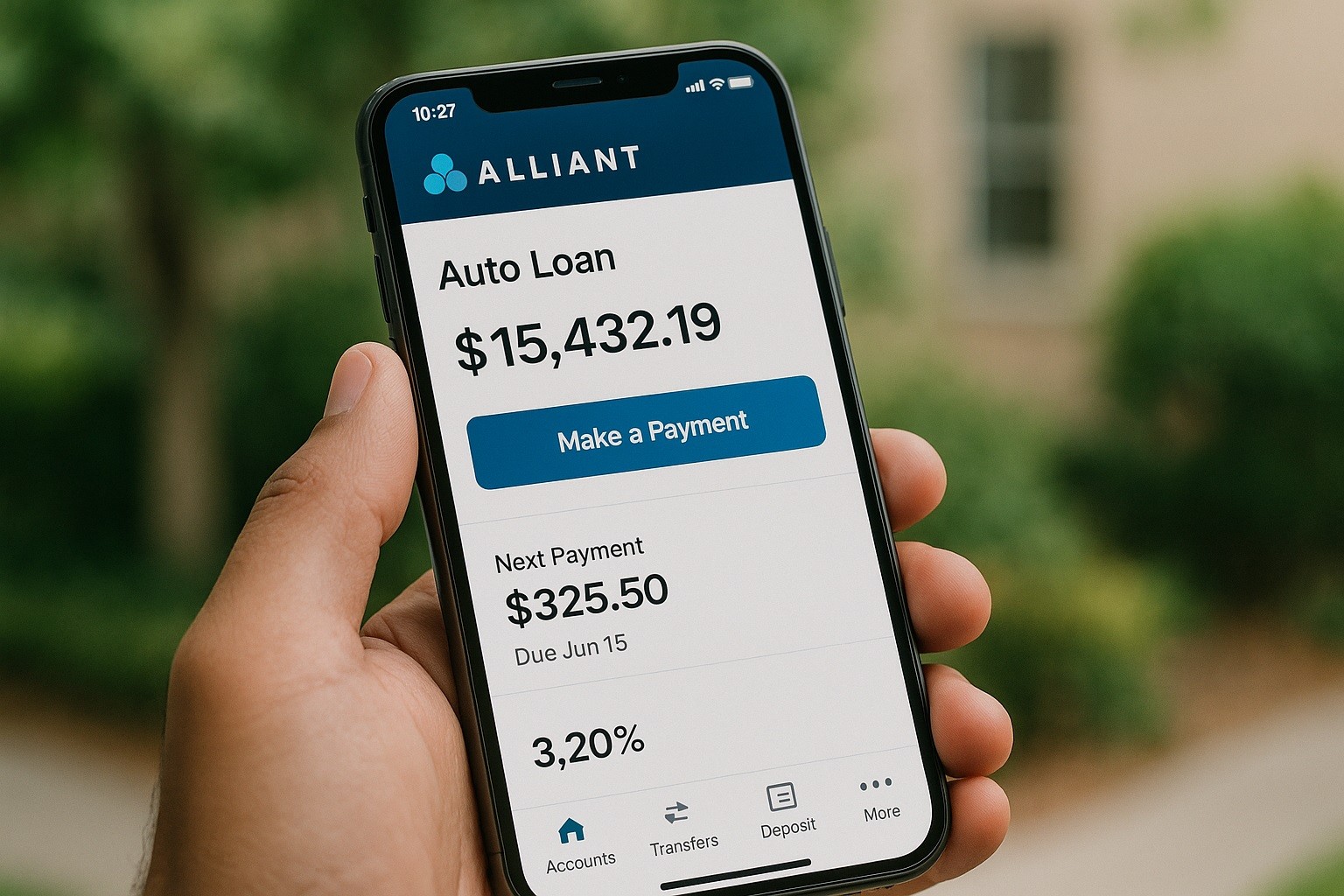
You can make a transfer from an Alliant checking or savings account, or pay from an external bank you link in the app.
You can schedule recurring payments so you never miss due dates. You can also opt for one-time payments at your convenience.
The app includes an ATM locator and “balance preview,” so you can check balances at a glance before logging in.
Alliant Credit Union Loan Application
You can apply online or by phone for personal loans, auto loans, and home equity lines of credit (HELOCs). Mortgages are also available.
- Go to Alliant’s Personal Loans page and start your application.
- Enter your personal details, income, and requested amount/term.
- Review your disclosures and submit.
- If approved, you may receive same-day approval and even same-day deposit to your account.
Set Up The App For Loan Management (First-Time)
Download the app from the App Store (iOS) or Google Play (Android).
Enroll if you are new; tap Enroll on the home screen, verify your identity, and create your username and password. Find your loan and tap Make a Payment to start.
If you plan to pay from another bank, add an external account in the app. Alliant supports an instant connection through Plaid.
If you pay from an Alliant checking or savings account, select that account as the “From” source and enter the amount and date.
Make One-Time or Recurring Payments
For recurring payments (autopay), Alliant gives you two paths.
Set a payment frequency and start date directly in the payment screen, or use the Easy Pay option that appears during the initial setup.
Either path results in automatic transfers on your schedule.
Autopay
If you prefer to manage autopay from the desktop, the steps mirror the Alliant Credit Union Loan mobile app experience and still apply
Select your loan, choose Make a Payment, pick the From account, and use Easy Pay to create recurring payments.
You can switch back to the app at any time to monitor or make one-off adjustments.
Linking an External Bank
Inside Make a Payment, choose Add External Account. Use the instant option for the fastest setup, which authenticates through Plaid.
After linking, the account appears as a source for one-time or recurring payments.
Scheduling Tips
If a recurring payment is already active, the app will hide the toggle to prevent conflicts.
In that case, modify or cancel the existing schedule first, then create a new one.
Modify or cancel autopay
To change the amount or date on an existing ACH autopay, submit a new Authorization Agreement (ACH Debit).
To change the account used or fully cancel recurring payments, complete Alliant’s ACH Loan Revocation form.
You’ll need your 14-digit loan account number, which you can find in the app (or your welcome letter).
Security and Support Inside The App
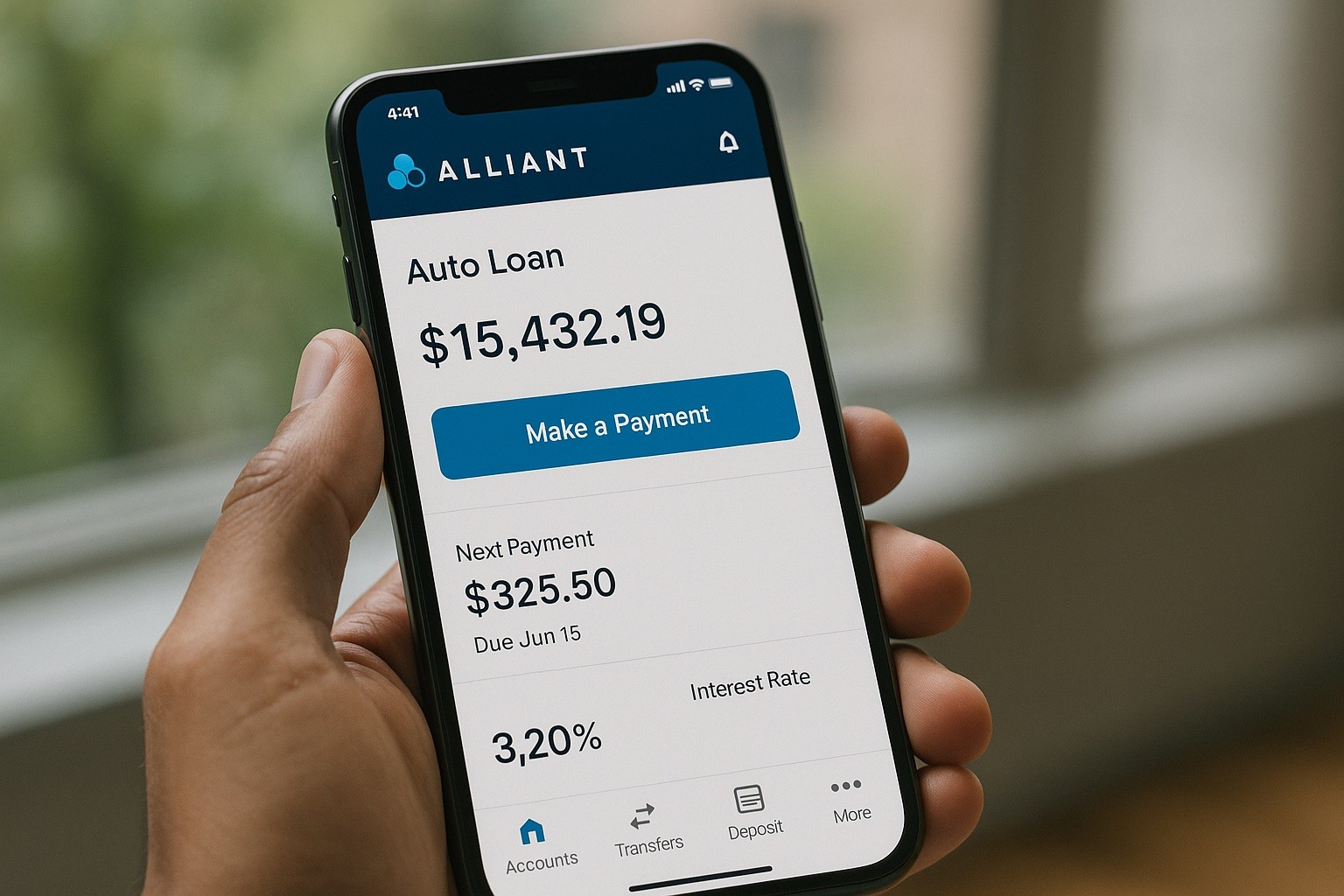
Turn on Face ID/Touch ID and Two-Factor Authentication for stronger protection.
If you lose a debit or credit card, you can report it and request a replacement from inside the app. If you need help, use chat or call support.
Interest Rates Snapshot
All rates depend on creditworthiness, term, collateral (if any), and whether you use features like automatic payments; they can change at any time.
- Auto loans: 5.34% APR (new, 60-month max term), 5.84% APR (used, 60-month), with terms up to 84 months shown elsewhere on the page. Members using the Alliant Car Buying Service can qualify for a 0.50% rate discount.
- Tesla loans: 5.24% APR (new, 60-month), 5.59% APR (used/refi).
- Personal loans: 8.99% APR (12-month term, unsecured), 9.99% APR (24-month term, unsecured). Personal loan amounts range from $1,000 to $100,000 with 1–5 year terms.
- Home Equity Line of Credit (HELOC): 3.99% APR introductory fixed rate for six months, then variable 7.75%–16.00% with auto-debit from an Alliant account (range and intro fixed term per Alliant).
For the latest rates beyond these examples, always check the Alliant Credit Union loan rates page before you commit.
Practical Ways to Use the App With Your Loan
Make extra principal payments when your budget allows. Alliant states there are no prepayment penalties, so paying early can reduce total interest.
Use the credit-score view to monitor factors that can improve future refinancing options.
Preview balances and transfer from Alliant accounts to keep payment timing tight.
Explore calculators for autos and mortgages to estimate payments and compare scenarios before changing terms or refinancing.
Contact
Member Care Center (24/7): 800-328-1935. For international callers: 773-462-2000.
General phone support is listed as 24/7 on one help page; another contact page shows staffed hours (Mon–Fri 7 a.m.–8 p.m. CT; Sat–Sun 9 a.m.–6 p.m. CT).
If you call outside staffed hours, use the 24/7 line.
Corporate address (not open to the public): 11545 W. Touhy Ave., Chicago, IL 60666.
Conclusion
Managing your Alliant Credit Union Loan mobile app should be simple.
Download the app, link the account you’ll pay from, and schedule a recurring payment that matches your cash flow.
Use security features, monitor your credit score, and contact support if you hit a snag. Check current rates and terms before changing anything significant.
Disclaimer: Rates, terms, features, and hours referenced here are provided for general information and can change at any time; always confirm on Alliant’s website or with a representative before you act. This guide is not financial advice; consider your budget and goals, and consult a professional if you need personalized recommendations.